
How Wumpo Points work
Wumpo Points are a thank-you for letting an idle server rest. When your server hibernates instead of running, it saves resources, and we share some of that back with you as points.
Earning points
A server earns points when it is hibernating: stopped, idle, and not set to always-on. For every whole hour it stays hibernating, you earn points at your plan's rate:
| Plan | Points per idle hour |
|---|---|
| Nano | 5 |
| Scout | 7 |
| Outpost | 10 |
| Ridge | 15 |
| Squad | 17 |
| Colony | 28 |
Larger plans earn more, because they save more while they rest.
Points are credited by the whole hour. A part-hour does not round up; when you wake the server, any leftover minutes since the last full hour simply are not counted.
What does not earn points
- A server that is always-on does not earn points, because it never hibernates.
- A server that is running does not earn points while it is on.
To start earning, stop a server (or leave idle auto-shutdown on) so it hibernates. See Always-on and hibernation.
Seeing your balance
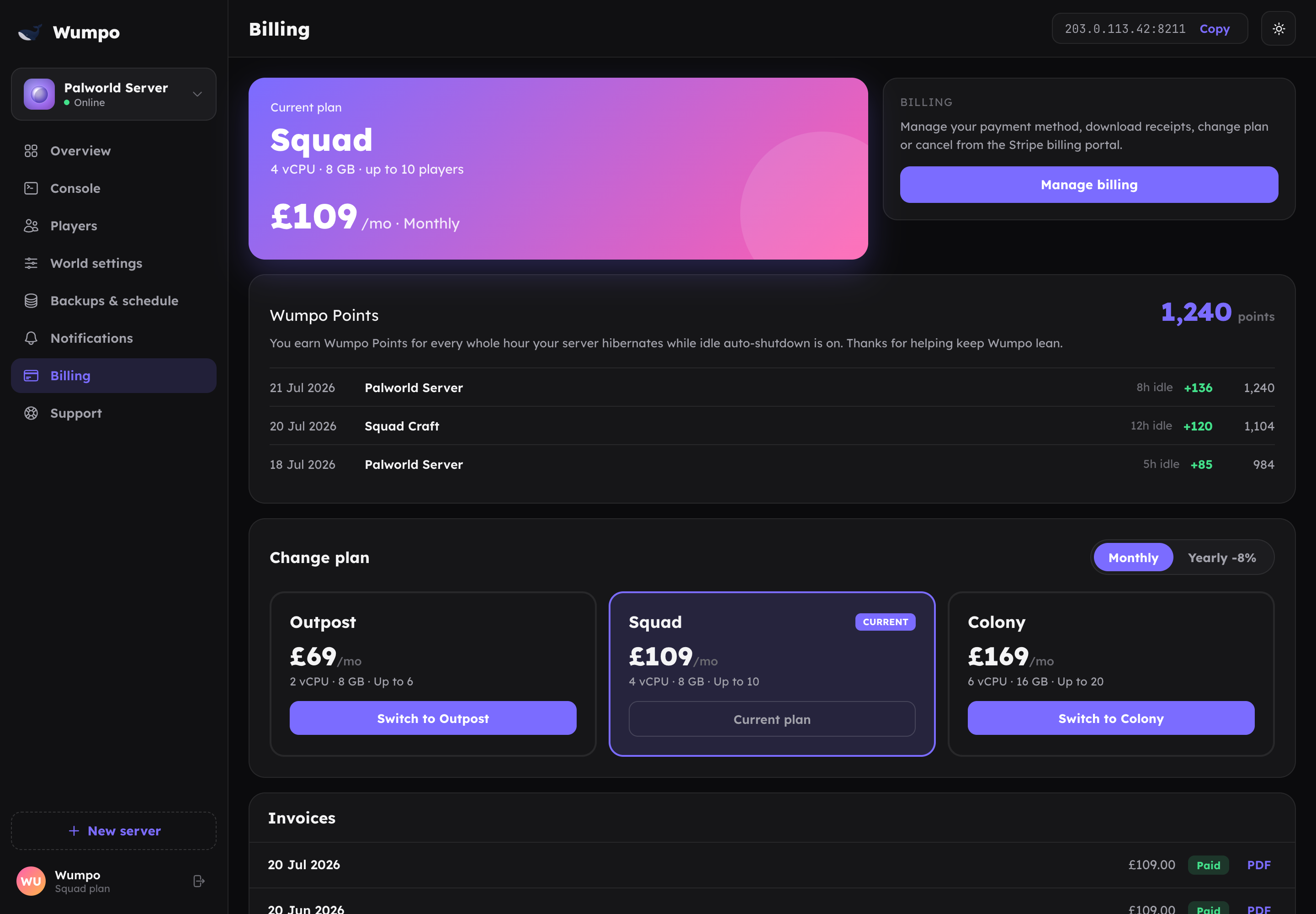
Your points balance and a history of everything you have earned are on the Billing panel in your dashboard. The history shows each credit: which server, which plan, the rate, how many hours, and your running balance.
Spending points
Wumpo Points are in an early version right now. Today they accrue only: your balance goes up as you earn, and there is no spending or redemption yet. We are building out what points unlock next, so keep stacking them.
Quick summary
- Earn points for every whole hour a server hibernates.
- Rates: Nano 5, Scout 7, Outpost 10, Ridge 15, Squad 17, Colony 28 per hour.
- Always-on and running servers do not earn.
- Track your balance on the Billing panel.
- Earning only for now; redemption is on the way.