
Your account
Your Wumpo account holds your servers, your billing and your Wumpo Points. This page covers signing in and the settings you can change.
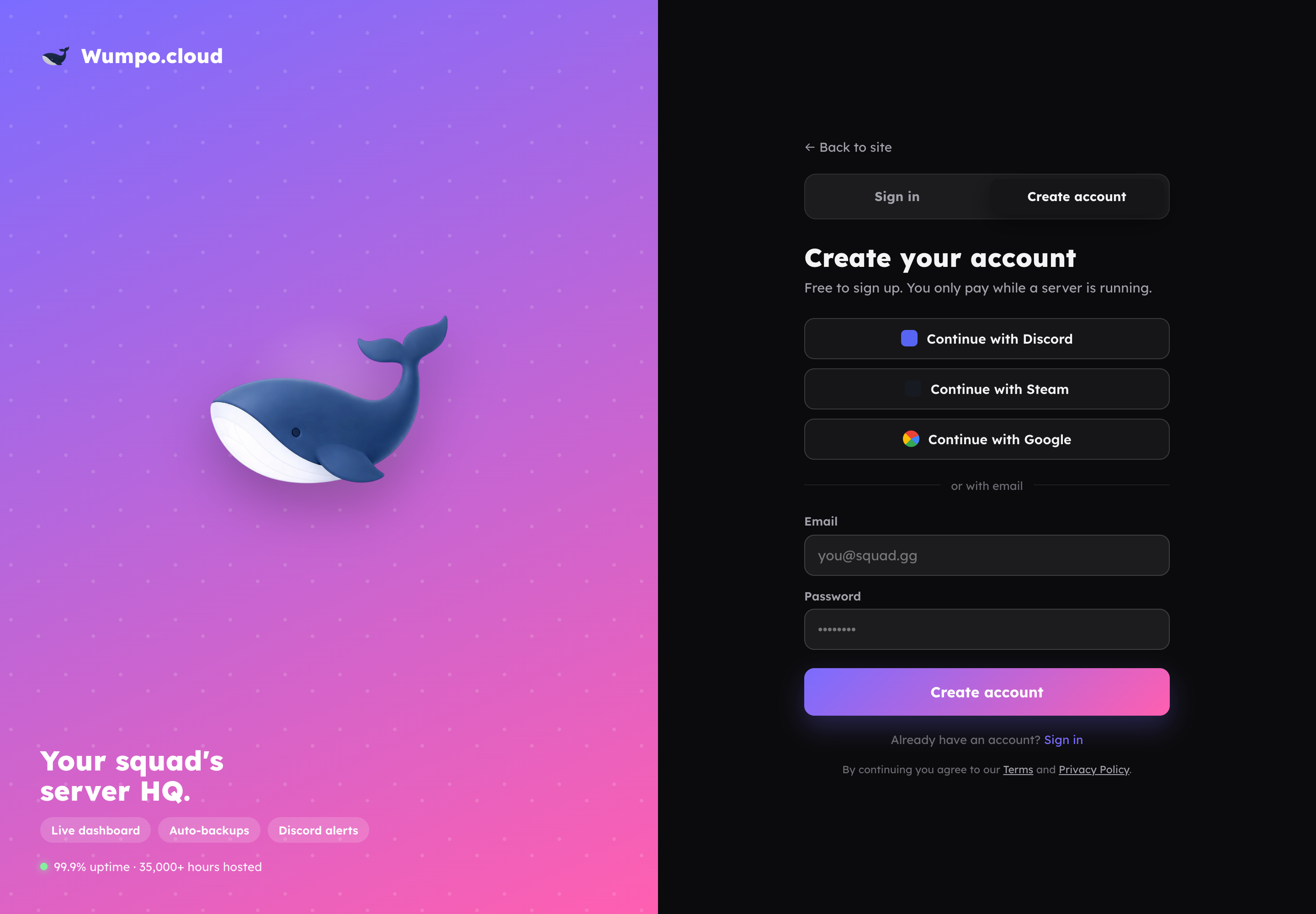
Signing up and signing in
You can create an account or sign in at wumpo.cloud using any of:
- Email and password
- Discord
Use whichever is easiest. If you sign in with Google or Discord, there is no separate password to remember.
Your servers
Once signed in, all your servers appear in your dashboard. If you have more than one, use the switcher at the top to move between them. Each server has its own panels for status, settings, backups and the rest.
Settings you can change
- Theme. Switch between light and dark with the toggle. Your choice is saved on your device.
- Display name. Click your name or avatar in the sidebar to open your account page, where you can set the name shown for you across Wumpo. This is what appears in a server's members list once you have joined one, taking the place of whatever label the person who invited you may have set for you when they sent the invite. See Inviting people to your server for more on that.
Security
- If you use email and password, choose a strong, unique password.
- If you sign in with Google or Discord, your account is protected by that provider's sign-in.
- Only you can see your servers and billing. Access is tied to your signed-in account.
Need help with your account
If you cannot sign in or need a hand with your account, reach us through Support.