
Players
The Players panel shows who is on your server right now and who has visited, and gives you moderation controls to keep things friendly.
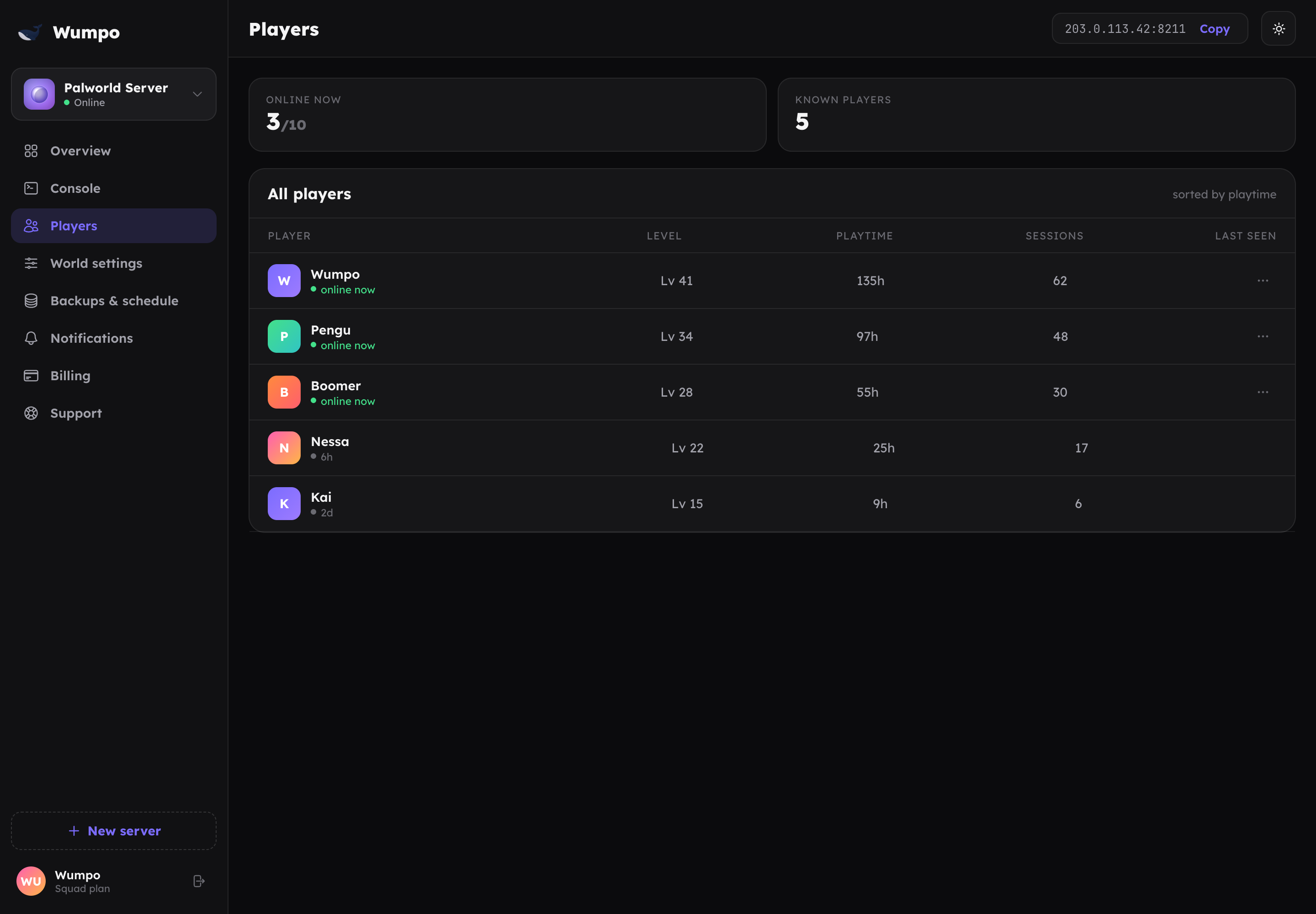
Who is online
The panel lists players currently connected, and keeps a history of recent visitors so you can see who has been on even when they are offline.
Moderation
For each player you can:
- Kick them, which disconnects them from the server. They can rejoin unless you also ban them.
- Ban them, which disconnects them and blocks them from rejoining.
Use a kick for a quick time-out, and a ban for someone who should not come back. Moderation actions take effect on the running server straight away.
Setting who can join
If you want to keep the server to just your group, set a join password in World settings. Only people you share the password with can connect. This is the simplest way to keep a server private.
Player limits
The number of players your server allows is set by your plan and can be lowered in World settings. See the per-game player limits on the Palworld and Minecraft pages, or the full table in Plan specifications.