
Managing your subscription
Everything to do with your plan, payments and invoices lives on the Billing panel in your dashboard. From there you can open the billing portal to make changes.
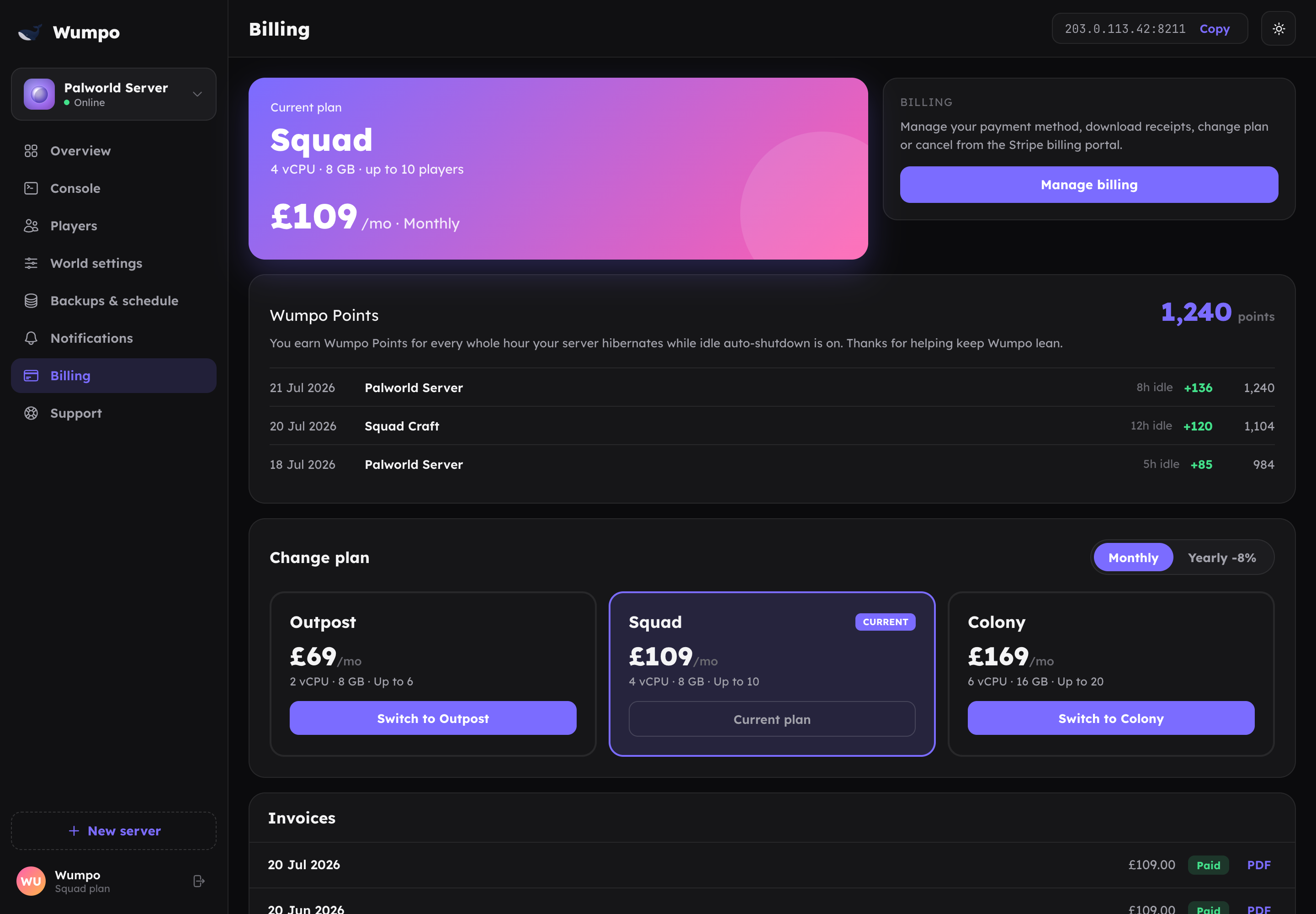
The billing portal
The Billing panel links to a secure billing portal run by Stripe, our payment provider. In the portal you can:
- Update your payment method
- Change or cancel your plan
- View and download invoices
- Update your billing details
Because the portal is run by our payment provider, your card details stay with them and are never handled by Wumpo.
Invoices
Your invoices are listed on the Billing panel and in the portal, where you can download each one as a PDF for your records. Amounts are shown in GBP.
Cancelling
You can cancel anytime from the billing portal. Your server keeps running until the end of the period you have already paid for, so you do not lose access the moment you cancel.
If you want to keep your world but stop paying, note that cancelling ends the server. Take a moment to plan ahead if you might return, and remember that backups are kept for 7 days.
Changing plan
To move to a larger or smaller plan, use the billing portal from the Billing panel. Bigger plans raise your player limit and give your world more room; see Plans and pricing.
Wumpo Points
Your Wumpo Points balance and history also appear on the Billing panel. Points are earned separately from billing and do not affect your invoice.